Loot box sample
The Loot Box Sample demonstrates a timer-gated reward system backed by a Beamable Microservice.
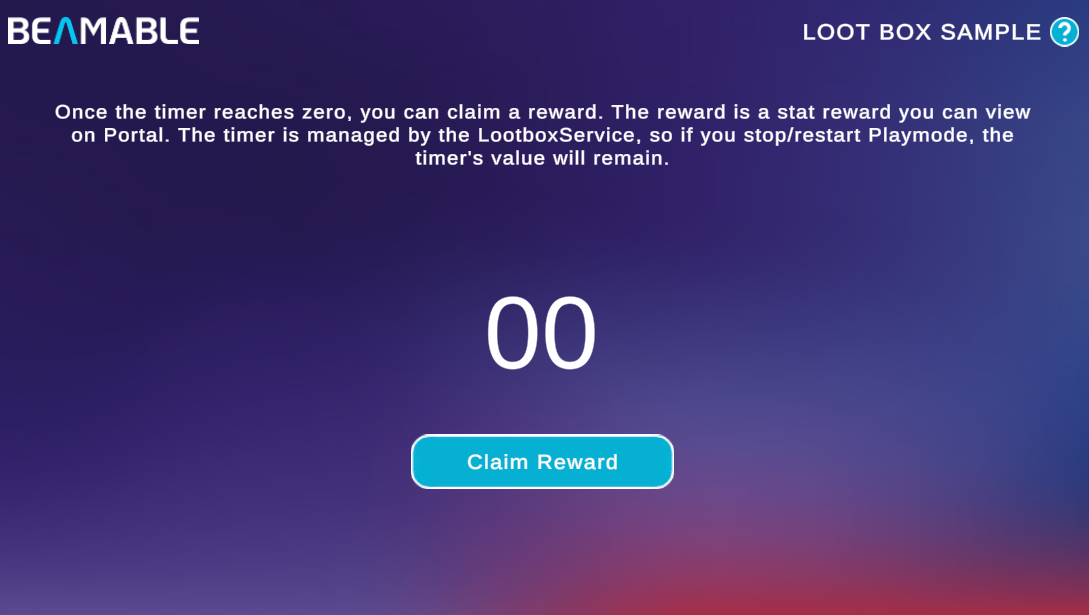
This sample shows you how to:
- Store a last-claim timestamp in Player Stats and read it from a Microservice
- Use a server-managed countdown to gate a reward claim
- Grant a gem currency reward via the Inventory system on a successful claim
- Persist the timer state across Playmode restarts using Player Stats
Prerequisites
This sample requires the LootboxService Microservice to be running locally. Before entering Playmode:
- Open the Beam Services window (Beamable → Open Beam Services)
- Select LootboxService from the service dropdown
- Click the Run button and wait until the service status turns active
Service must be running
Without the LootboxService running, the timer will not load and the Claim Reward button will not function.
Sample overview
When you open the scene, the home screen shows a countdown timer. On startup, the sample reads the last-claim timestamp stored in the player's Stats. The LootboxService Microservice uses that timestamp to calculate how much time has elapsed and how long remains before the next claim.
Once the timer reaches zero, click Claim Reward. The Microservice validates the claim, adds a gem currency to the player's Inventory, and writes a new last-claim timestamp back to Stats — resetting the timer.
Because the timestamp lives in Player Stats rather than local Unity state, the timer persists correctly when you stop and restart Playmode.
Read the SDK Docs
Learn how to build and expose your own Microservice methods in the Unity Microservices Integration reference. See how timestamps are stored in the Stats reference.
Visit Portal
Go to https://portal.beamable.com to verify the gem currency reward after claiming. Search for a player and open the Inventory tab.