Gameplay framework utilities
The SDK provides utilities that streamline Beamable integration with the Unreal Engine Gameplay Framework.
Beamable introduces the concept of User Slots, which are used to manage named local players. On the Unreal side, local players refers to users who are directly connected to the game instance, while remote players are those connected via the network.
To help bridge the gap between these two models, Beamable automatically handles the mapping of local and remote players on the client side. However, if your game includes a dedicated server, some additional setup may be required to ensure this mapping works correctly on the server as well.
Blueprint utilities
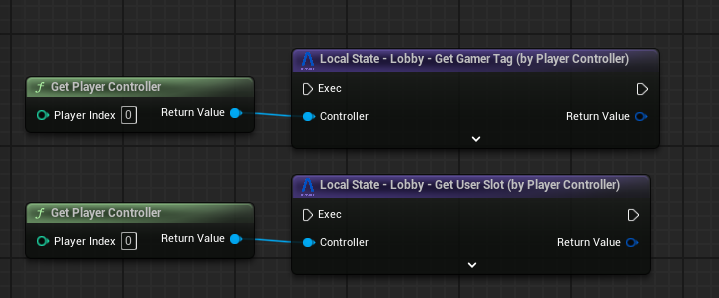
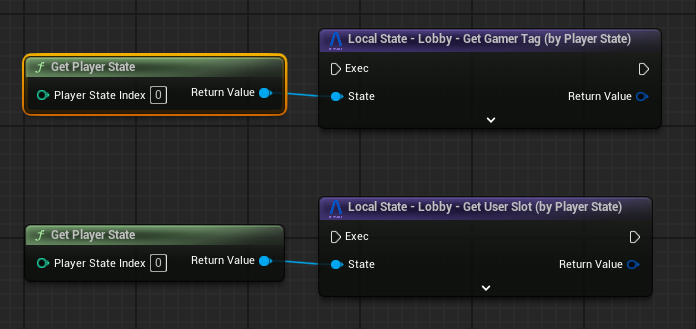
The SDK provides Blueprint-accessible utilities for retrieving the User Slot or Gamer Tag from Unreal’s core gameplay classes such as PlayerController and PlayerState.
PlayerController utility
Use this utility to access Beamable-specific player data directly from the PlayerController.
PlayerState utility
This utility enables you to access Beamable data from within the PlayerState class.
Server-side integration
On the server side, you need to call BeamMultiplayer::Authentication::PreLoginAsync during the PreLogin phase in your custom GameMode.
This step is required to correctly map Beamable users to Unreal's gameplay framework, ensuring that player identity and session data are synchronized between Beamable and the server.
Note
This is only necessary if your game includes a dedicated server or uses server-authoritative logic.
Enable/Disable the feature
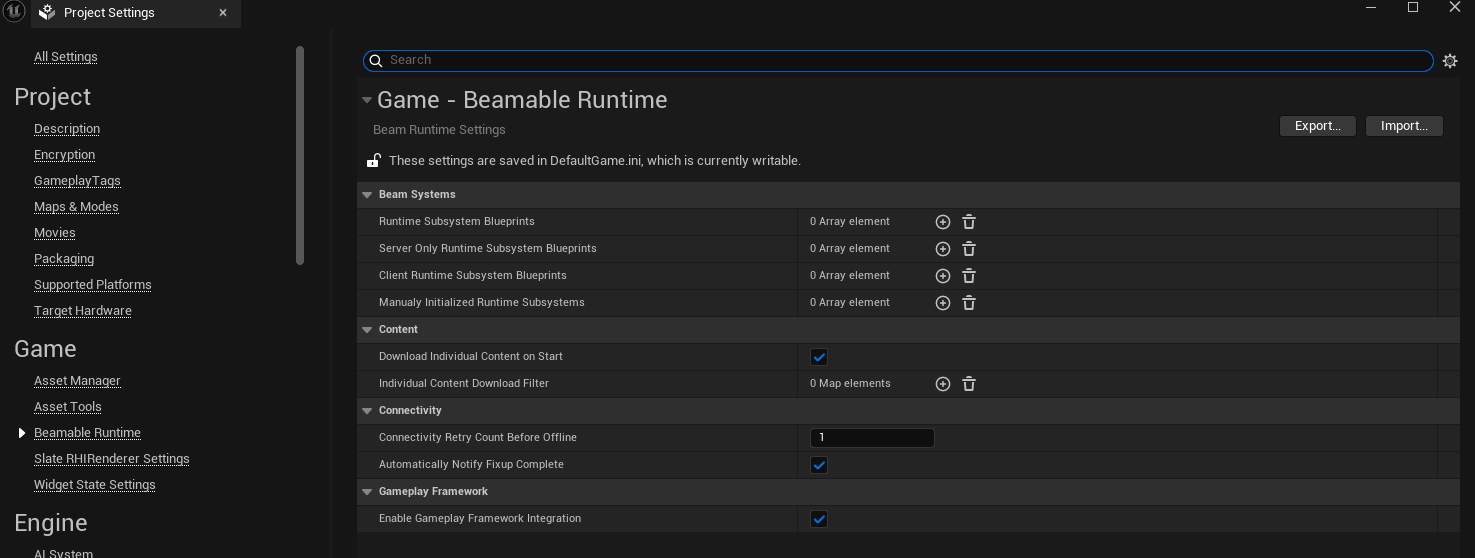
To enable or disable the automatically created link between the Game Framework and Beamable, go to Project Settings > Beamable Runtime > Enable Gameplay Framework Integration.