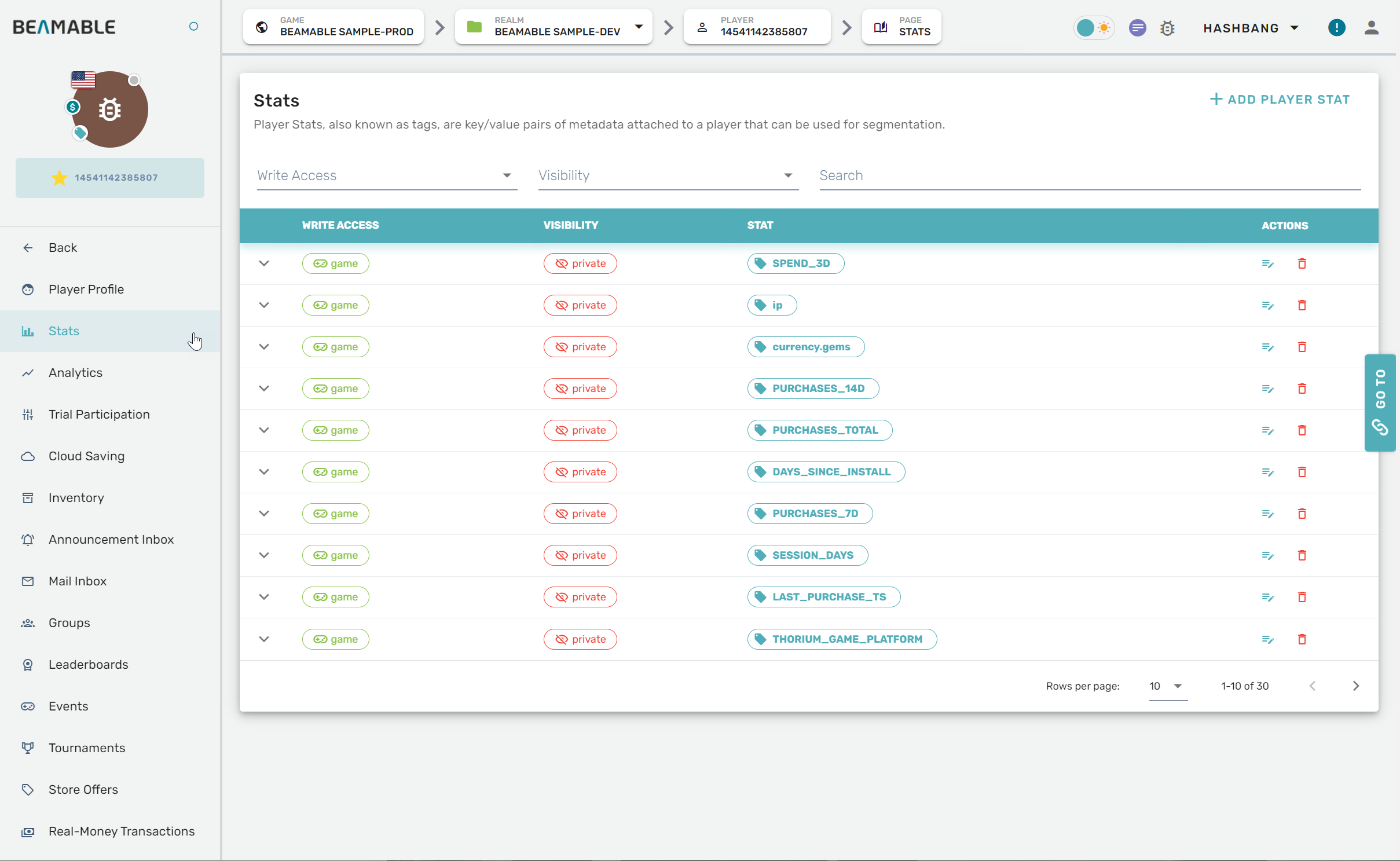
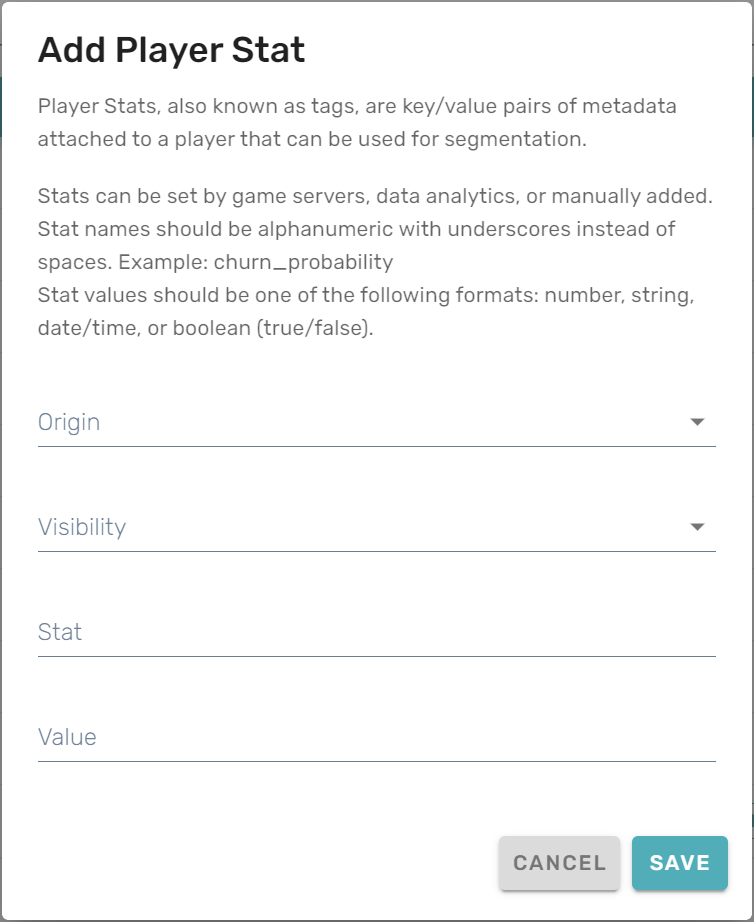
Stats
The Analytics feature's Stats section can be managed from the Portal.
Getting started
Follow these steps to manage player stats:
| Step | Detail |
|---|---|
| 1. Open the Portal | • See Portal for more info |
| 2. Expand "Engage" section on the sidebar | • Click "Players" |
| 3. Navigate to a player's profile page | • Scroll the list or search by playerId, device, etc. |
| 4. Open the player's "Stats" page | • Click "Stats" on the navigation panel |
| 3. Configure the settings | • Enjoy! |
Game Maker user experience
The stats management interface allows you to view and modify player statistics: