Cloud data
The Cloud Save feature allows you to manage and configure cloud data storage for your game through the Portal.
Getting started
Follow these steps to configure cloud data settings:
| Step | Detail |
|---|---|
| 1. Open the Portal | • See Portal documentation for more info |
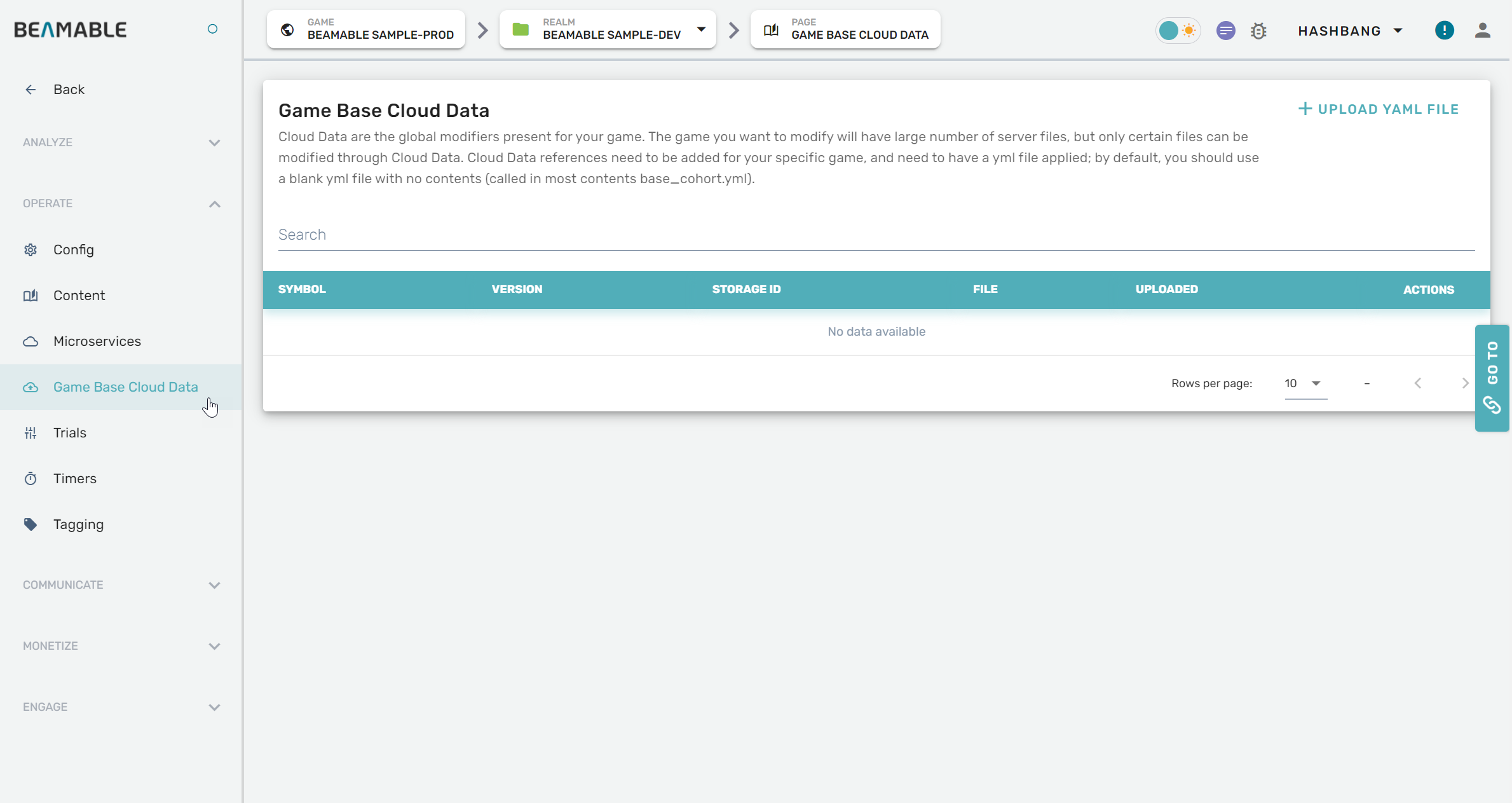
| 2. Expand "Operate" section on the sidebar | • Click "Game Base Cloud Data" |
| 3. Configure the settings | • Enjoy! |
Game Maker user experience
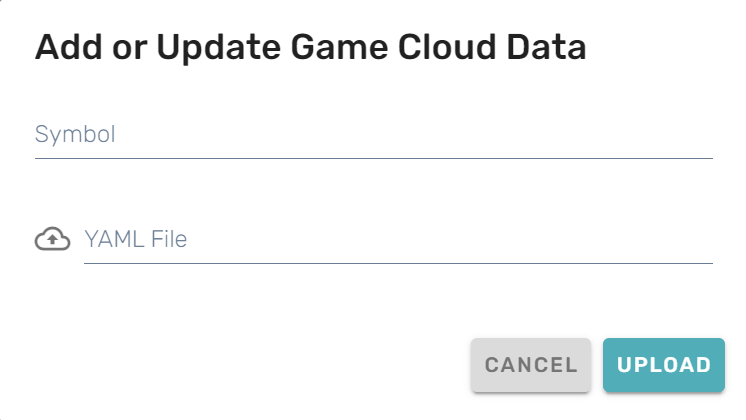
The following screenshots show the cloud data configuration interface: