Portal - overview
The Beamable LiveOps Portal is where you conduct all tasks to orchestrate and operate your game, interact with game-level or player-level data, and perform DevOps tasks like content promotions, realm, and account creation.
The user interface
Here is the user interface of the Beamable "Portal" tool window.
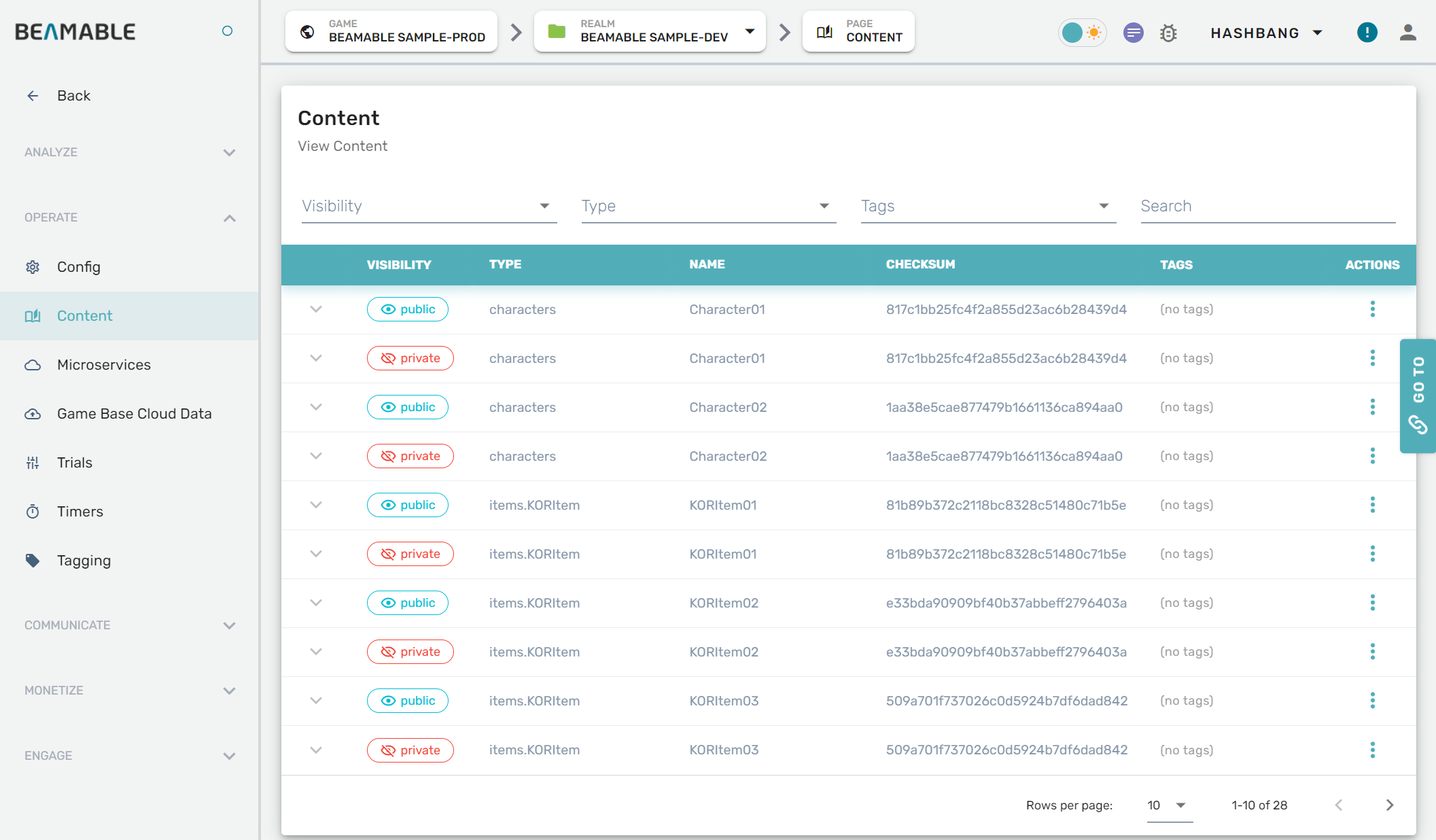
Beamable high-level data concepts
The Beamable Portal provides access to manage all aspects of your game's data architecture and player interactions.
Steps
The Beamable Portal is available in your favorite web-browser at https://portal.beamable.com/.{width="300px"}
| Step | Detail |
|---|---|
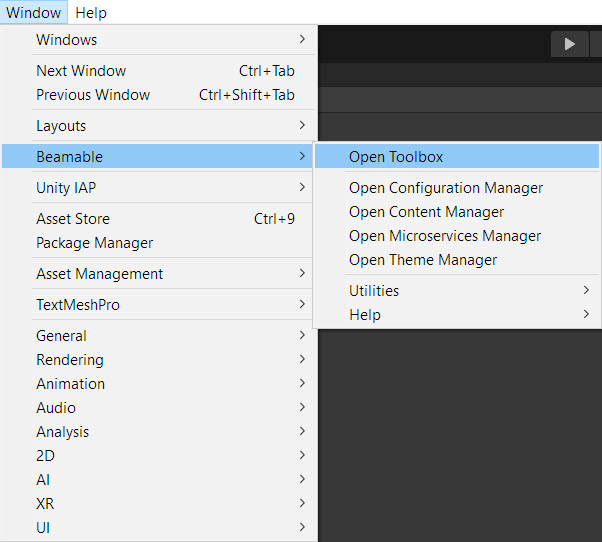
| 1. Open the "Toolbox" Window | • Unity → Window → Beamable → Open Beamable Toolbox |
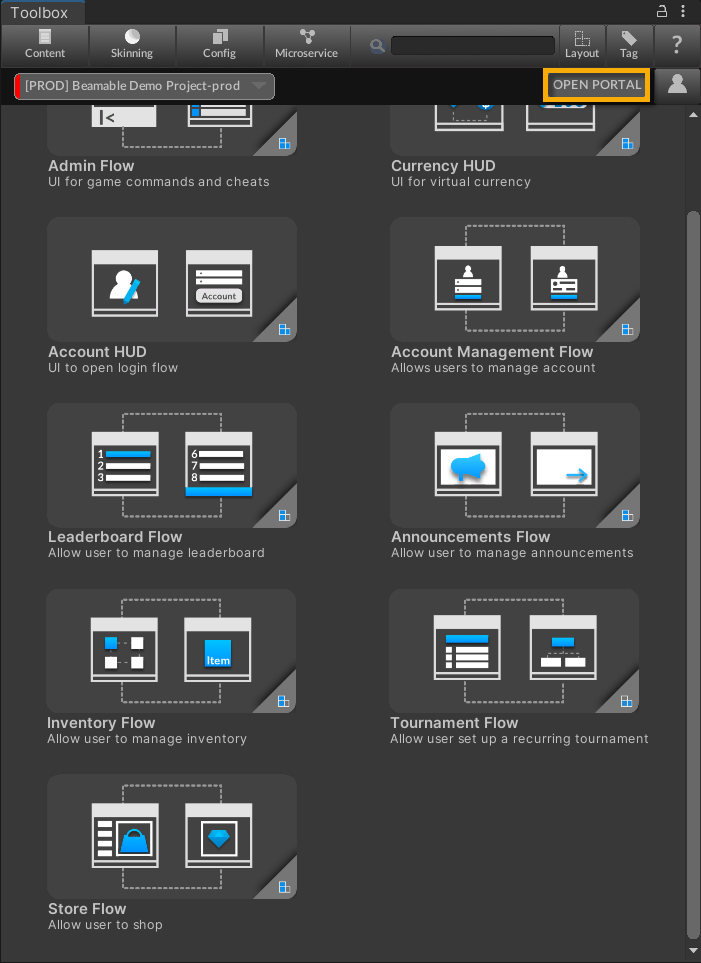
| 2. Open the "Portal" Window | • Click the "Open Portal" Button |
Here is the "Open Portal" Button.