Global Price War - Chat Sample
A sample project demonstrating Beamable's Chat feature through a trading game called "Global Price Wars".
In "Global Price War" (GPW), the winners say Buy low, sell high! Finish rich and be top on the Leaderboard..
Beamable Features Used
This sample demonstrates integration with multiple Beamable services:
- Chat - Real-time messaging between players
- Connectivity - Player connection and presence
- Content - Game configuration and data management
- Inventory - Player item management
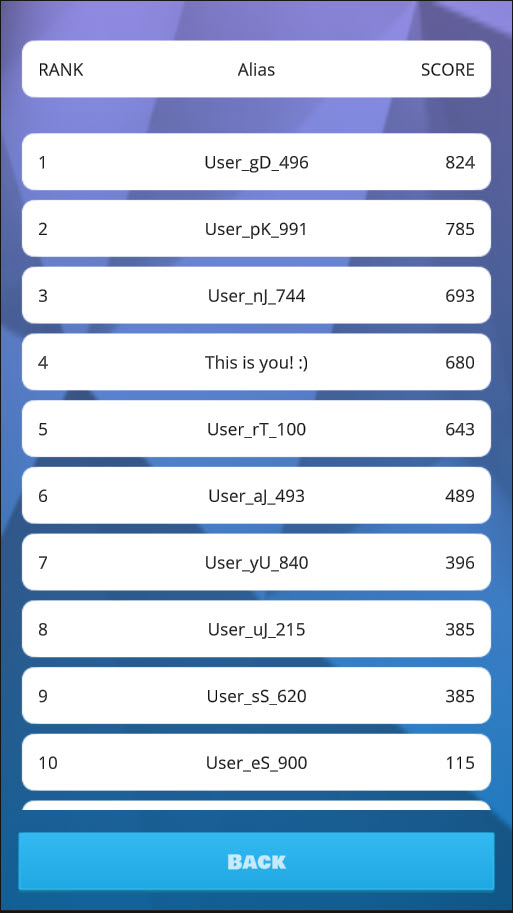
- Leaderboards - Player rankings and scores
Screenshots
| Scene01Intro | Scene02Game | Scene03Chat | Scene04Settings | Scene05Leaderboard |
|---|---|---|---|---|
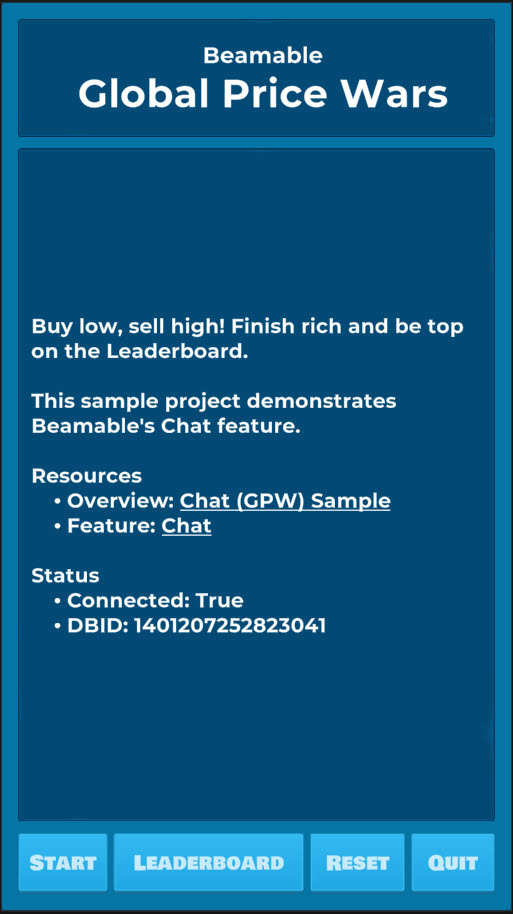 |
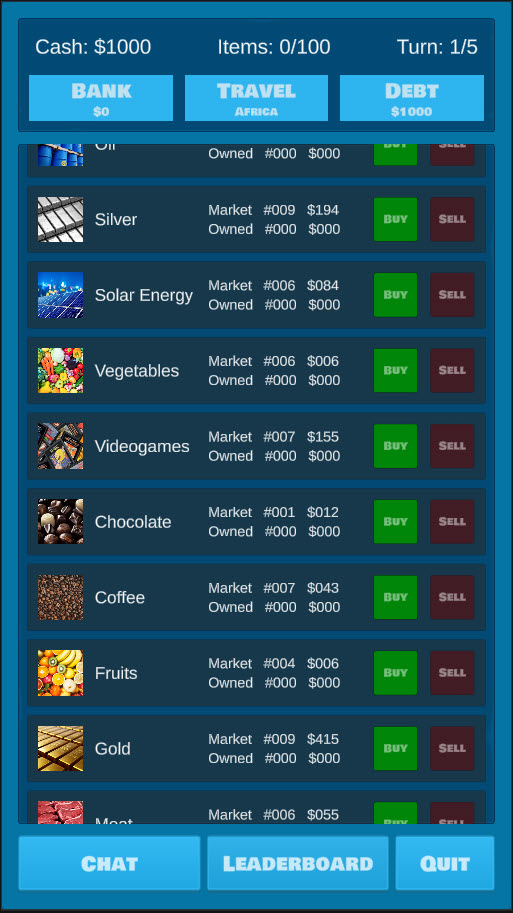 |
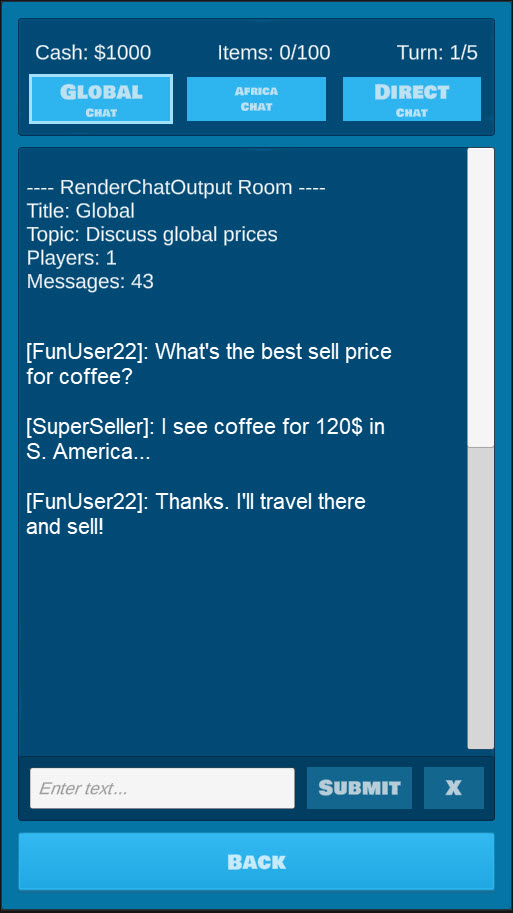 |
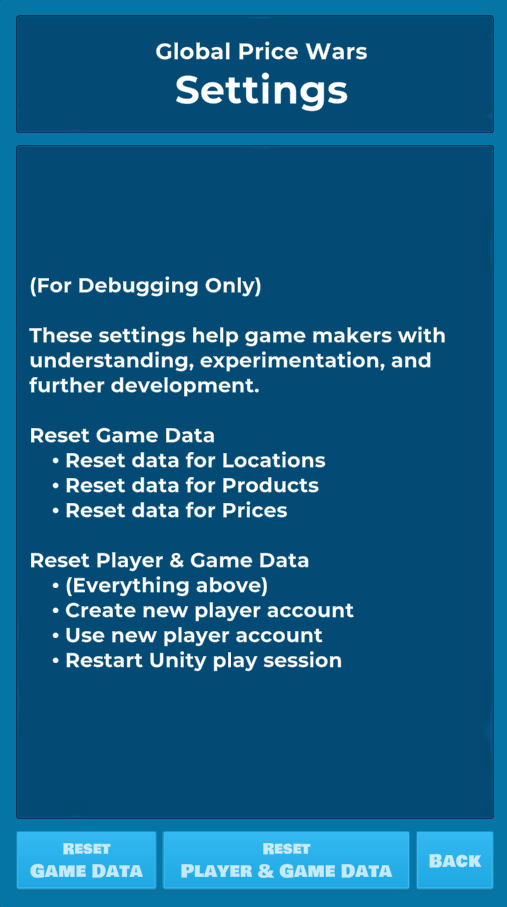 |
 |
Variations On A Theme
There are two repos for the "Global Price Wars" game each with distinct learning goals.
- Chat GPW Sample Project - Simpler project, the
GPWBasicDataFactoryuses random, local data values. You are currently viewing the documentation for this project. - Chat GPW2 Sample Project With MicroStorage - Complex project, the
GPWMicroStorageDataFactoryuses Beamable Microservices and MicroStorage with data values stored in shared database
Download
| Source | Detail |
|---|---|
| Beamable | 1. Download the Chat GPW Sample Project 2. Open in Unity Editor (Version 2021.3 or later) 3. Open the Beamable Toolbox 4. Sign-In / Register To Beamable. See Getting Started for more info 5. Rebuild the Unity Addressables : Unity → Window → Asset Management → Groups, then Build → Update a Previous Build 6. Open the Scene01Intro Scene7. Play The Scene: Unity → Edit → Play 8. Click the "Start" Button 9. Enjoy! Note: This sample project is compatible with Unity 2021.3 and later versions. |
Rules of the Game
- 1 player starts the game with limited turns
- After the final turn, the game is over
- The player's final score is calculated as
Cash + Bank - Debt - Each turn, the player makes decision to increase the total cash
- Use money in
Cash. Buy items at a low price, Sell items at a high price - Move money into the
Bank. The bank pays interest to the player after each turn - Move money out of
Debt.The debtors charge interest to the player after each turn - Chat with other players to better understand the market price of items
Pro Tip: Sell all owned items before the final turn to increase the final score.
Design Overview
Many Beamable features are used to implement the game design and game rules.
Content
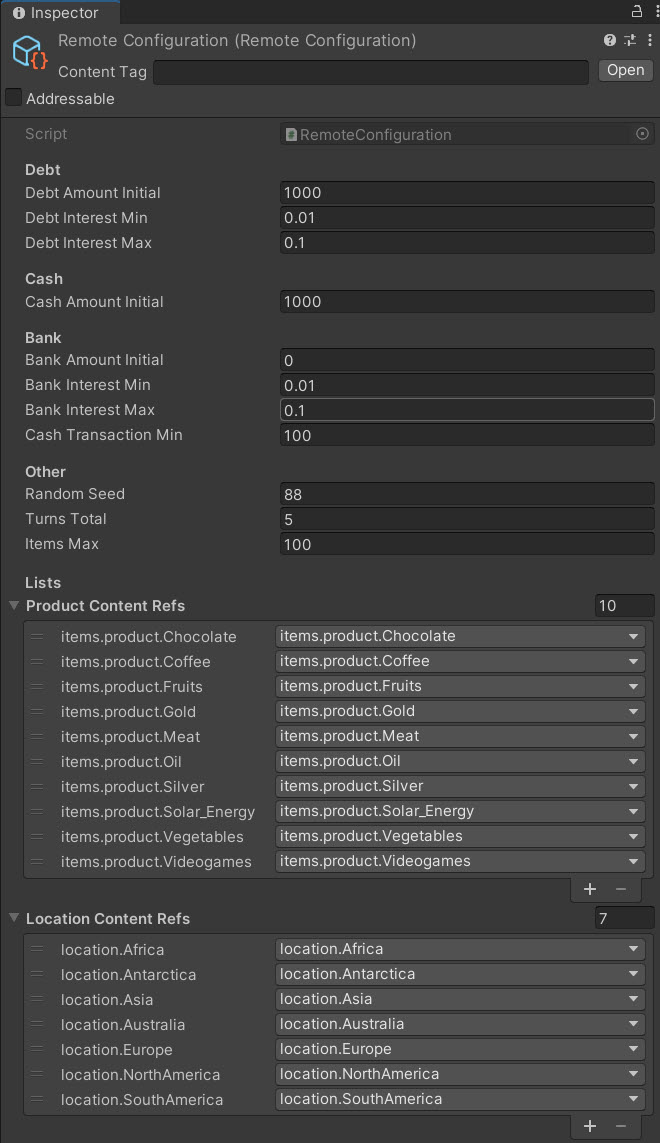
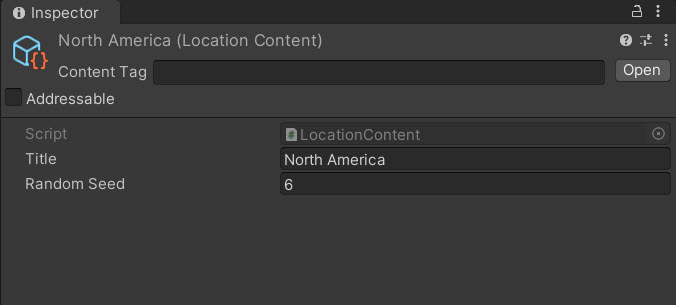
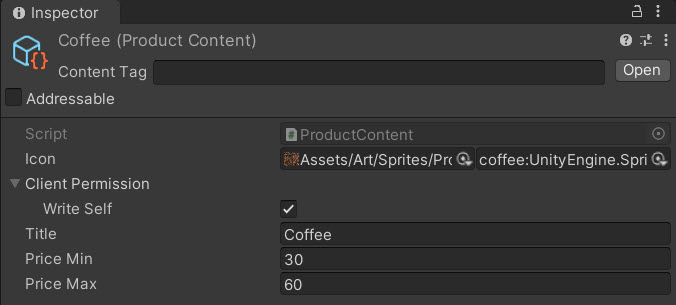
Using the Beamable Content feature, this game stores core data with ease and flexibility.
| Remote Configuration | Location | Product |
|---|---|---|
 |
 |
 |
Class Organization
Each scene uses the GPWController class to interact with the local data model and the remote services.
Here is a high-level chart showing the partial structure.
Design of Data
The data within the RuntimeDataStorage is vital for the core game loop.
The game design requires that all users in the same game (for example, the same chat session) to see a shared world of consistent pricing. This is accomplished using the data structure and data factory below.
Data Structure The structure contains all the locations of the game. Within each location is information about each product; including its price and quantity.
- List < LocationContentView >
- LocationData (e.g., "Africa")
- List < ProductContentViews >
- ProductData (e.g., "Chocolate")
- MarketGoods
- Price (e.g., "10")
- Quantity (e.g., "3")
Data Factory
The IDataFactory gets data as shown in the diagram below.
- A. The
RuntimeDataStoragecalls toGetLocationContentViews()at the start of each game session - B. Here in the GPW game the
GPWBasicDataFactorycreates pseudorandom price/quantity for all products. A random-seed value is shared across all game clients for consistent pricing. This solution is easier to understand, but likely not robust enough for a production game.